

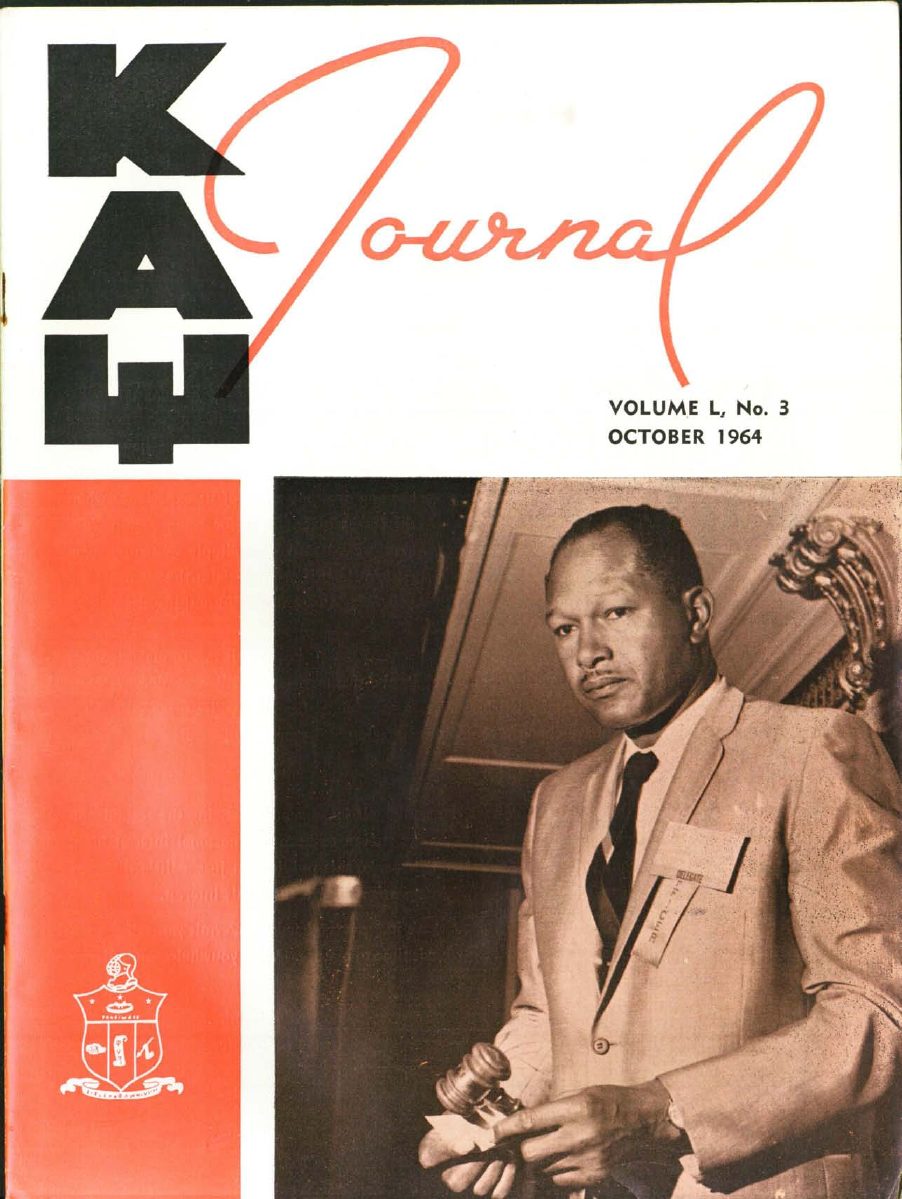

Preserving the record · 1914-2026
The JournalDigital Archive
More than a century of achievement, leadership, and brotherhood — preserved page by page for the generations who carry it forward.
Preserving the record · 1914-2026
More than a century of achievement, leadership, and brotherhood — preserved page by page for the generations who carry it forward.

This local pilot combines four live Journal PDFs from the SharePoint corpus with scan-queued placeholder covers for the broader archive structure. The point it proves: we can build the archive ourselves, on infrastructure we already run, behind the login members already have.
Each publication is scanned (or exported) to PDF, then a one-time pipeline renders every page to web-ready images (WebP, two sizes: reading + thumbnail) stored in Cloudflare R2. R2 has zero egress fees — members reading thousands of pages costs nothing extra.
Rough scale: 500 issues × ~50 pages × ~150 KB ≈ 4 GB of page images (~$0.06/month) plus ~30 GB of archival PDFs (~$0.45/month).
One metadata table in the Supabase database KAPSI Connect already uses. Collections, volumes, seasons, and tags are data — adding a new publication type never requires new code.
create table publications (
  id          uuid primary key default gen_random_uuid(),
  collection  text not null,   -- 'journal' | 'convention' | 'directory' | 'governance'
  title       text not null,
  volume      int,
  issue_no    int,
  season      text,            -- Winter / Spring / Summer / Fall
  pub_date    date not null,
  page_count  int not null,
  pdf_key     text not null,   -- r2: pdfs/journal/1948-winter.pdf
  pages_prefix text not null,  -- r2: pages/journal/1948-winter/
  tags        text[] default '{}',
  ocr_indexed boolean default false
);
The archive mounts as a page inside KAPSI Connect (kapsi1911.com). Members use their existing login; access rules ride on the RBAC roles already built. Final IGS/NGS eligibility and any NGS payment treatment remain governance decisions. Page images are served through signed URLs so links can't be shared outside the portal.
The flipbook you just used is plain CSS/JS — no licensed viewer. In production each page face is simply the scanned image. Phase two adds OCR (searching inside articles, not just titles) using Postgres full-text search.
| FlippingBook / issuu class SaaS | In-house (this POC) | |
|---|---|---|
| Annual cost | ~$3–10K/yr, per-publication tiers | < $20/yr infrastructure |
| Member login | Separate accounts or public links | Existing KAPSI Connect auth |
| Branding & control | Vendor templates, vendor lock-in | Fully ours, matches the portal |
| Search across 500 issues | Varies by tier | OCR + full-text, roadmap phase 2 |